.BwweyAj6_ZJlM9M.webp)
Initial analysis for Search Analytics is now available!
We bring you the latest updates for Amethyst.
Search Analytics setup is now easier to start
After creating a Search Analytics project, you can now proceed through an initial analysis onboarding flow. Previously, query groups, URL groups, and views had to be planned and configured manually after project creation.
The new initial analysis uses Search Console data and business context to summarize the first points to check and the recommended settings to start with. It proposes a site summary, improvement points, and URL / query group ideas, making it easier to organize the first analysis and create the initial settings.
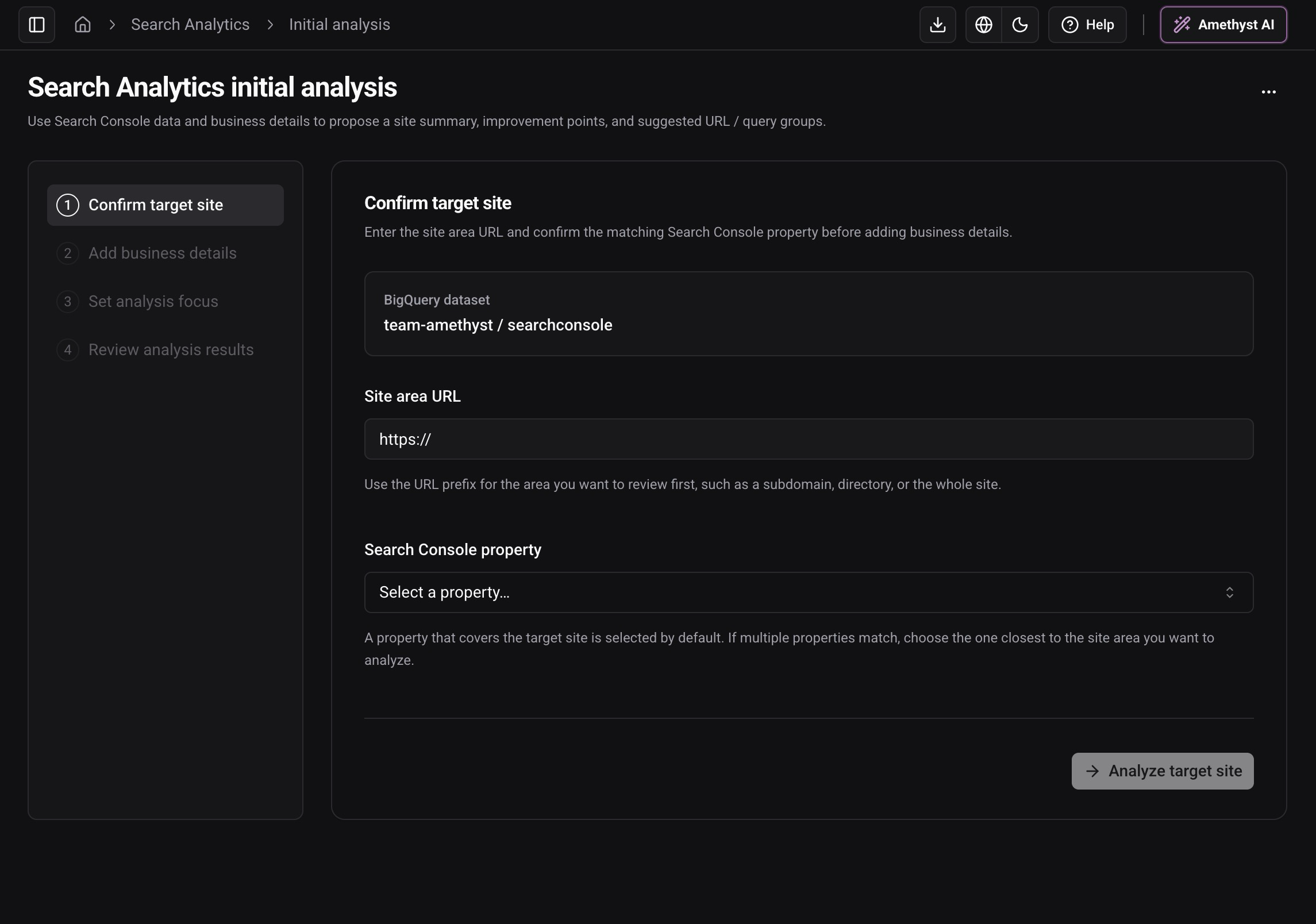
The flow guides you through confirming the target site, entering business context, choosing the focus of the analysis, and reviewing the results. You can select the Search Console property and use the site area URL and existing settings as context for the first analysis.
Completed initial analyses can be opened again later, making it easier to review the assumptions behind the recommended settings.
Amethyst AI Skills can now be managed from the app
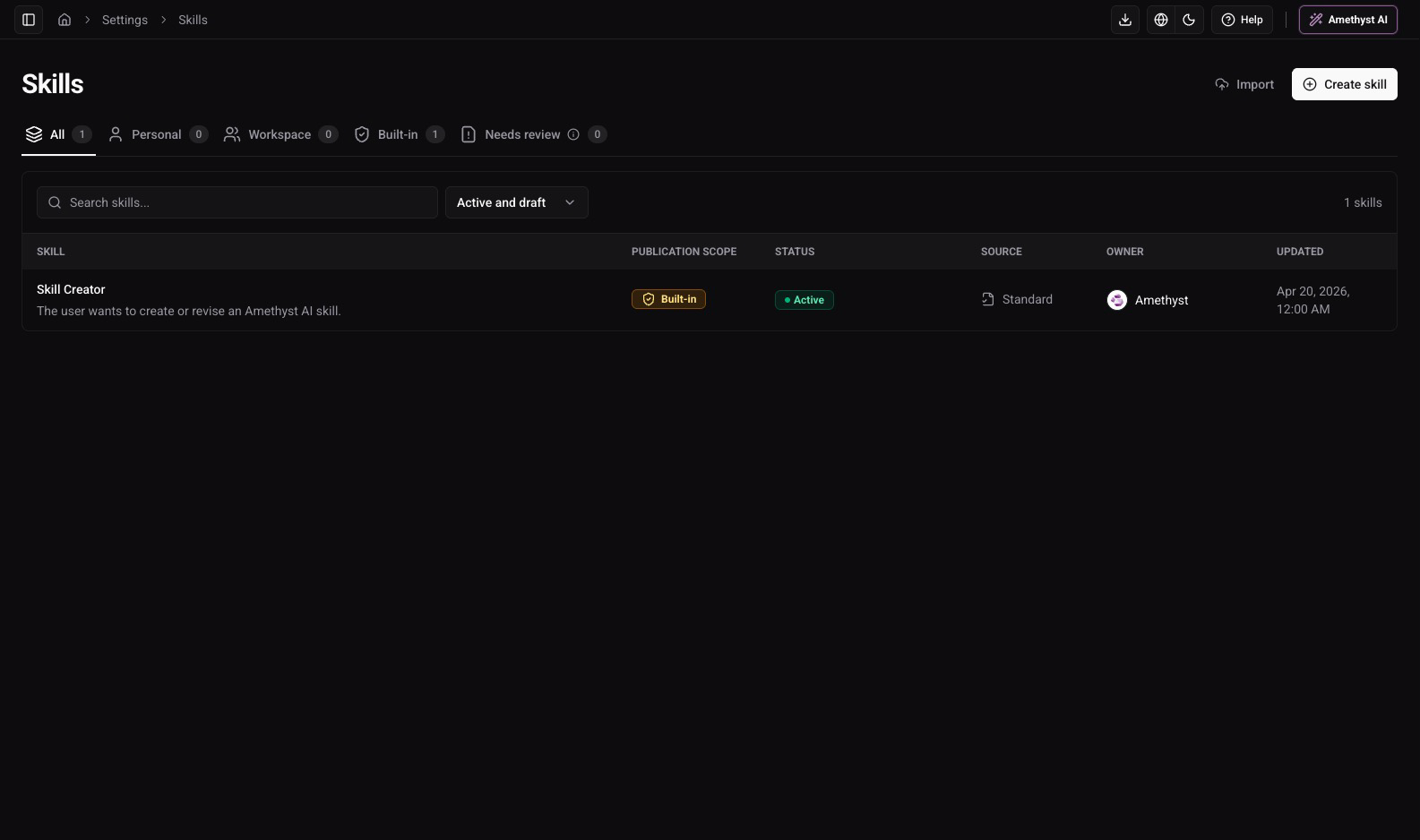
We have added a management screen for Amethyst AI Skills. You can now list, create, import, edit, approve, and archive skills from the UI, making it easier to manage the Amethyst AI Skills used in a workspace.
The same screen also includes AI-assisted skill draft creation and a UI for selecting the tools used by each skill.
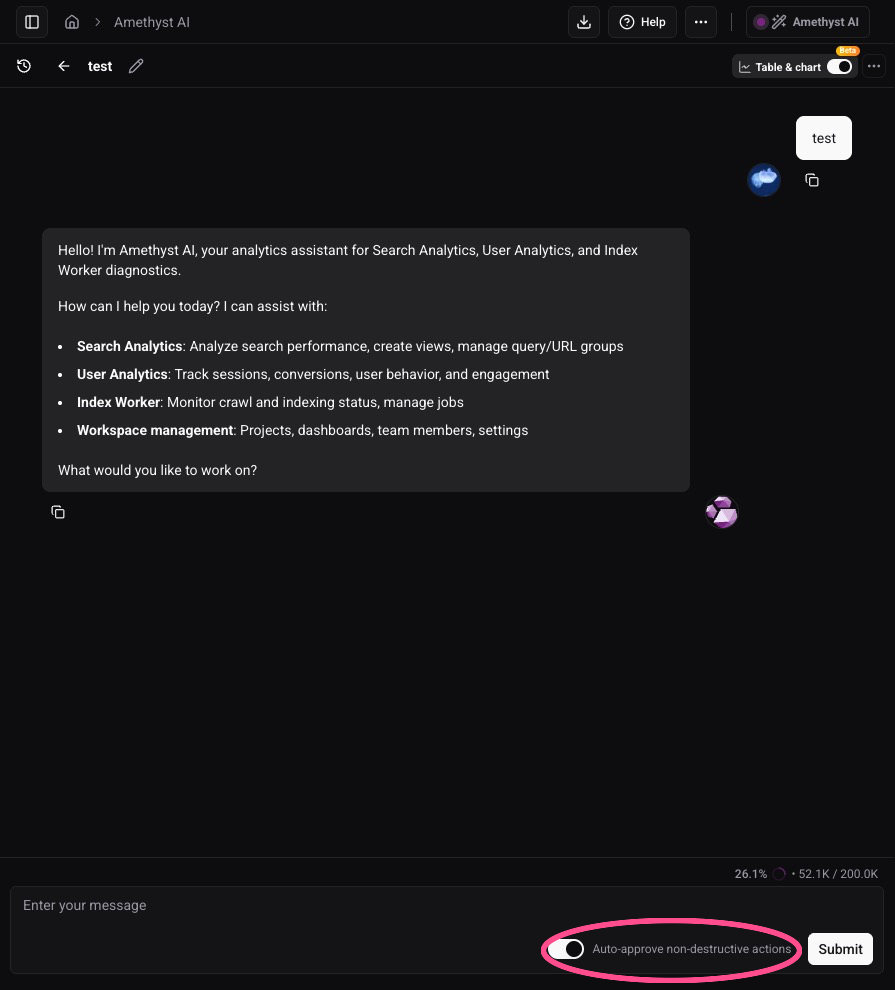
AI chat can now auto-approve non-destructive actions
We have added an auto-approval UI in the lower-right area of the AI chat input. Important actions such as deletion, invitations, and role changes still require manual confirmation, while other actions that require confirmation can be auto-approved when it fits your workflow.
AI chat now starts with workspace-specific sample prompts
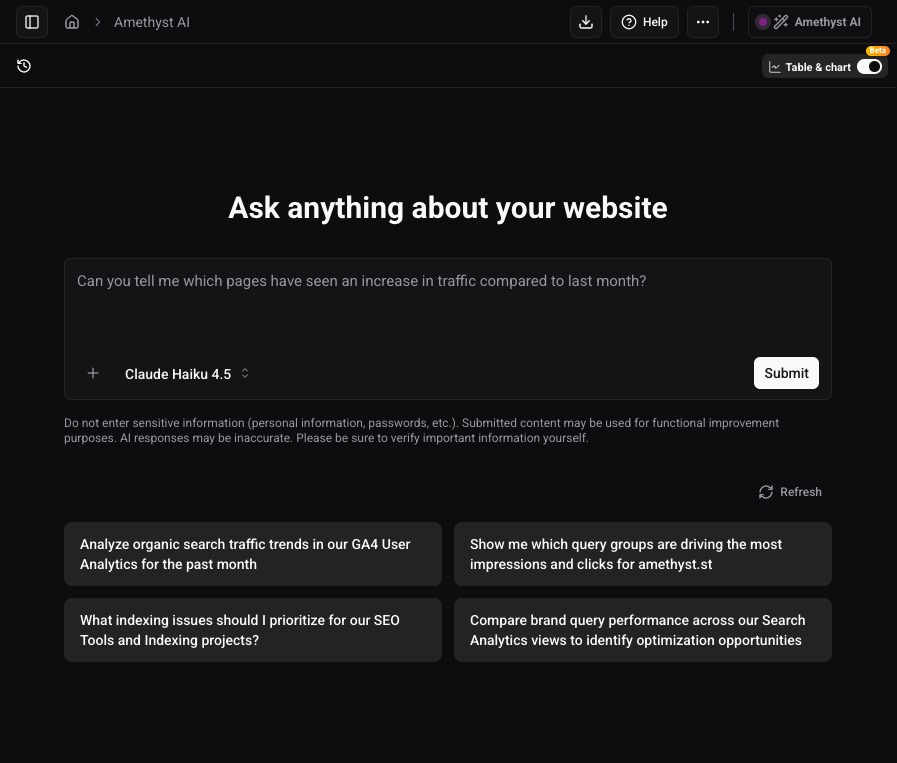
The AI chat starter now generates sample prompts based on the workspace’s project structure. When it is not clear what to ask first, you can start from examples tailored to the projects already in the workspace.
Minor Changes
Improvements
- The AI chat history column can now be collapsed, and chat history now shows conversation dates.
- Added a tool that lets AI chat update key events for User Analytics.
- Query and URL group condition inputs now wrap automatically, making long conditions easier to review.
Bug Fixes
- Fixed an issue where AI chat could fail to retrieve User Analytics period comparison detail data.
- Fixed an issue where User Analytics URL group order could fail to save correctly after reordering groups.